
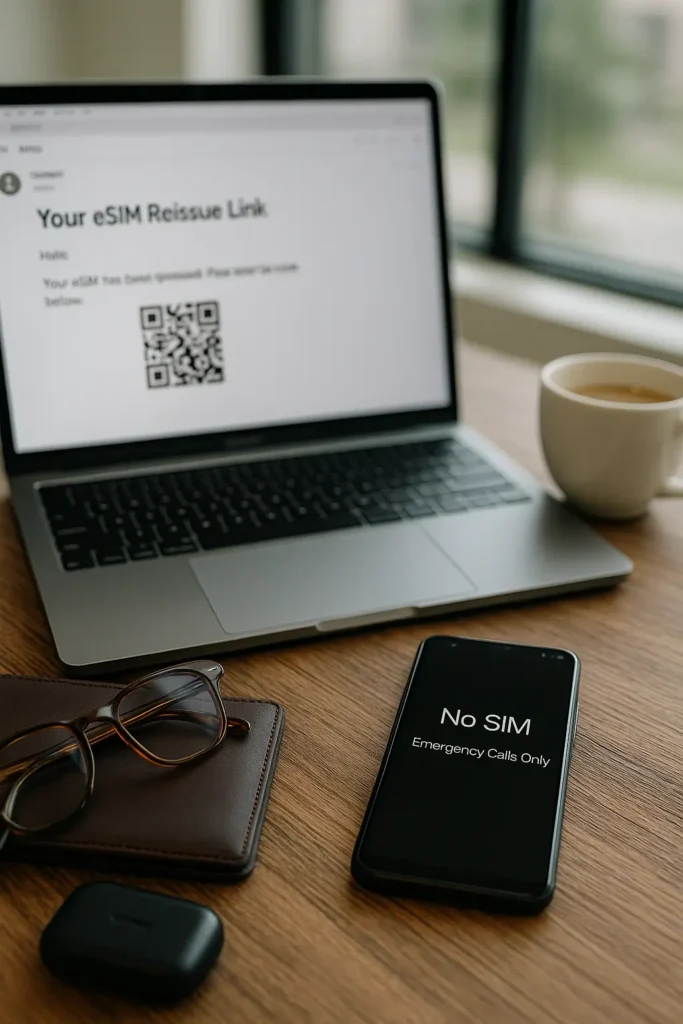
With more travelers and digital nomads switching to eSIMs for flexible, no-hassle mobile data, an important question keeps popping up:
Can I back up my eSIM in case my phone is lost, stolen, or upgraded?
Unlike physical SIM cards, eSIMs don’t just pop out and transfer to a new device. So whether you’re backpacking through Europe or jumping between devices as a business traveler, knowing how to secure your eSIM plan or profile is key to avoiding service loss.
Here’s what travelers need to know about eSIM backup, reactivation, and alternatives—with real solutions and tips that work across major providers.
Can You Back Up an eSIM?
Let’s start with the honest truth:
No, eSIM profiles cannot be backed up like app data or photos.
The eSIM is a carrier-issued, encrypted digital file that’s tied to a single device’s hardware and user credentials. For security reasons, Apple, Android, and most providers do not allow eSIM profiles to be saved, cloned, or restored manually.
However, this doesn’t mean you’re helpless. There are smart ways to safeguard your eSIM access and reduce downtime when switching phones or recovering from loss.
What You Can Do to Prepare
Here’s how to stay one step ahead:
1. Keep Your Activation Information Safe
Always save the original QR code, SM-DP+ address, activation code, or email confirmation sent by your provider. Without it, reissuing your eSIM could take hours or even days abroad.
Pro Tip: Use cloud storage (like Google Drive, Dropbox, or iCloud Notes) to store a screenshot or PDF of your eSIM setup materials.
2. Use Providers with Reissue Support
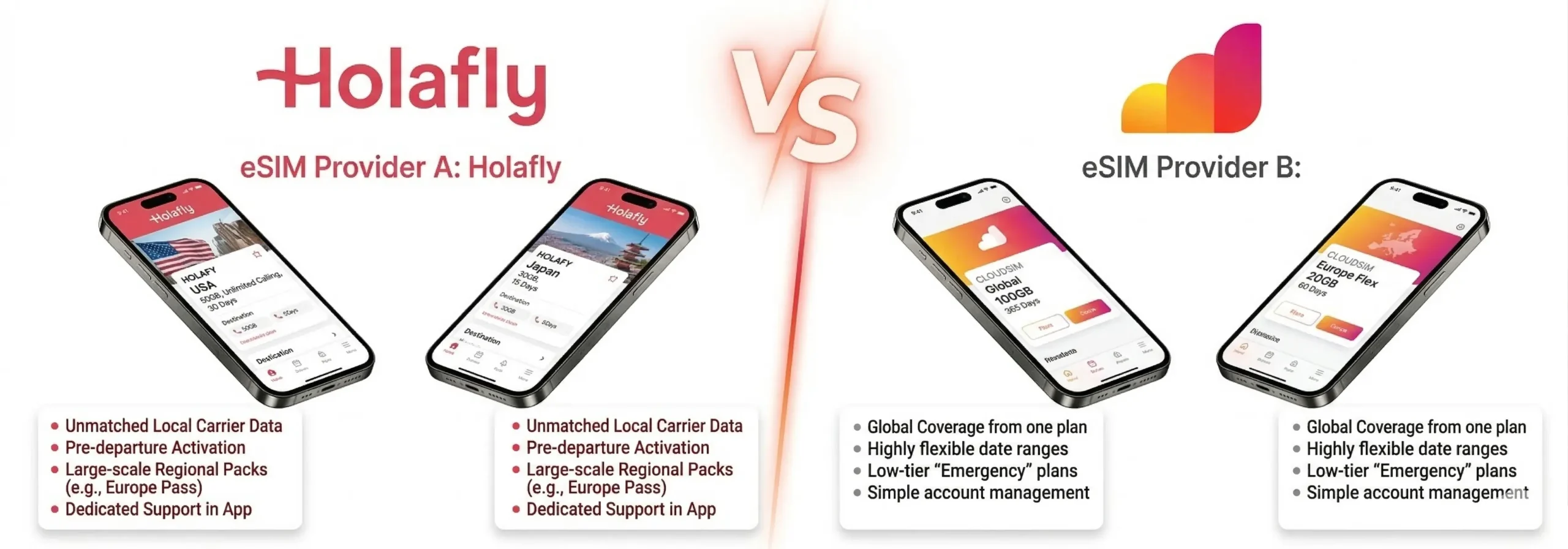
Some providers allow free eSIM reinstallation or profile transfer when you switch phones. Travel-focused services like:
…offer dashboard login where you can resend your eSIM profile to a new device after verifying your identity.
Looking for reissue-friendly plans? Travel eSIM Deals compares top eSIM providers that support easy reactivation while abroad.
3. Transfer Your eSIM Instead of Backing It Up
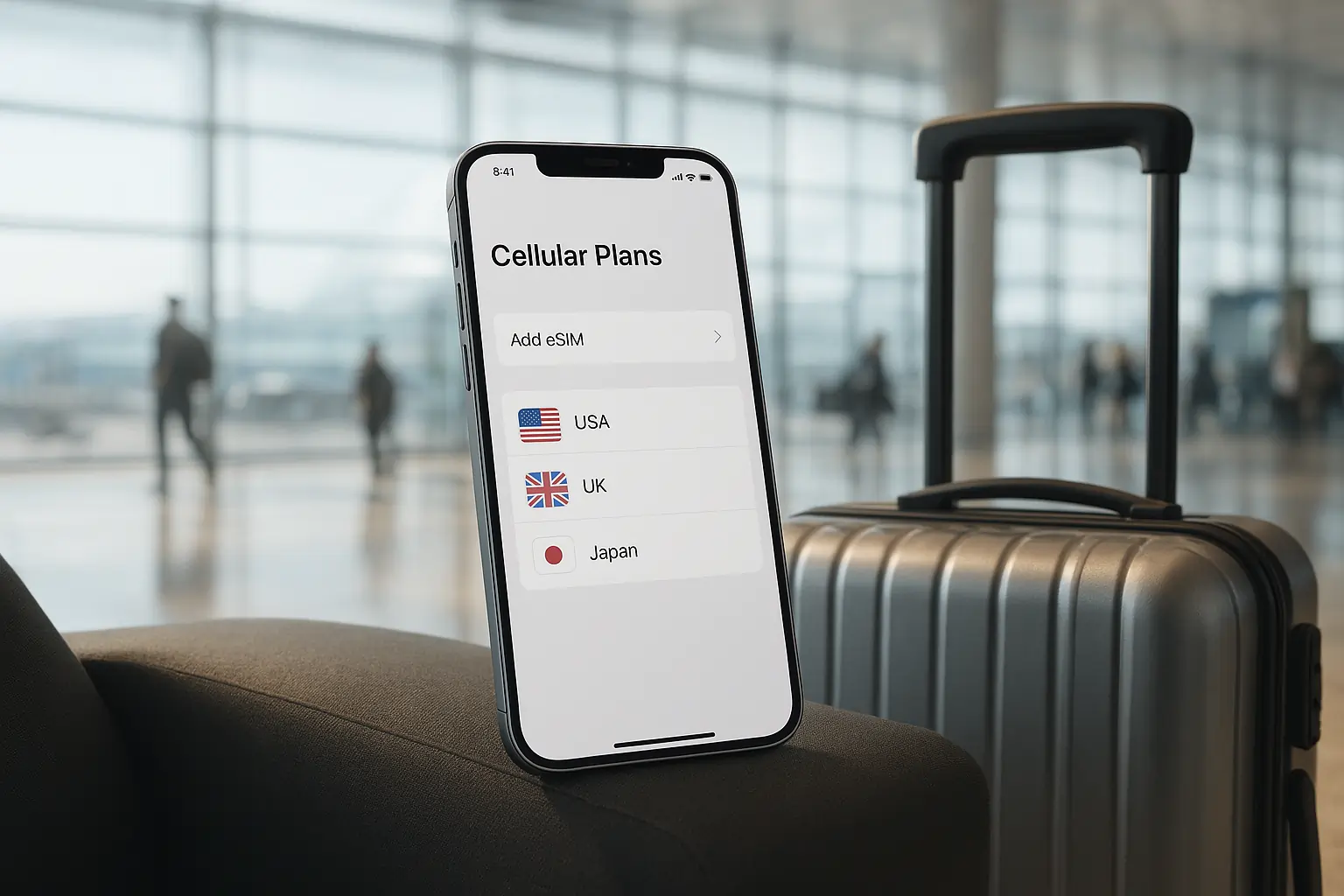
Newer phones (especially iPhones) allow you to transfer an active eSIM to a new phone during setup.
- iPhones: Settings → Cellular → Add eSIM → Transfer from Nearby iPhone
- Samsung: Settings → Connections → SIM card manager → Add eSIM → Use Smart Switch
This method doesn’t require reactivation, but works only before wiping or losing the original device.
4. Add a Backup eSIM or Physical SIM
To avoid total data loss during travel:
- Install two eSIMs, or
- Use one eSIM + one physical SIM for redundancy.
Some devices like the iPhone 14+ and Pixel 7 support dual active SIMs, so you can switch between them anytime.
Table: Backup vs Reissue vs Transfer
| Action | Is it Possible? | Best For | Notes |
| Manual eSIM Backup | ❌ Not supported | — | Security restrictions prevent manual backup |
| QR Code Reuse | ✅ Sometimes | Reactivating on same/new phone | Depends on provider policies |
| eSIM Transfer (Phone) | ✅ Supported | Upgrading phones | Only if original phone is accessible |
| Reissue via Provider | ✅ Yes | Lost/stolen devices | Requires provider login or support ticket |
| Dual SIM Setup | ✅ Yes | Frequent travelers | Add backup data coverage or local SIMs |
Traveler Scenarios: What Happens if…

Your Phone is Stolen Abroad
You can’t access the eSIM profile directly. Contact your eSIM provider via email or live chat to reissue the profile to your new phone.
You’re Upgrading to a New Phone
Use the built-in eSIM transfer feature on Apple or Android to move your plan during setup. If not supported, request a new QR code from your provider.
You Factory Reset Your Phone
Most devices will delete the eSIM profile unless you move it first. Always remove or transfer your eSIM before resetting.
Final Takeaway: Stay Ready, Not Sorry
While true eSIM data backup isn’t possible, smart planning goes a long way.
By saving activation info, using flexible providers, and having a backup option, you can travel stress-free—without losing your mobile data in the middle of a trip.
FAQs
Q. Can I back up my eSIM data like I back up photos or apps?
No — eSIMs can’t be backed up like regular phone data. They’re encrypted and tied to your device’s hardware for security reasons.
Q. What should I do before switching or resetting my phone with an eSIM?
Always transfer the eSIM first (if supported), or save your activation details (QR code or SM-DP+ code). Resetting will usually erase the eSIM.
Q. Can I reuse my eSIM QR code on a new phone?
Sometimes. Some QR codes work more than once, but others are one-time use. It’s best to store the original code and check your provider’s policy.
Q. What happens if I lose my phone with an active eSIM?
Contact your provider immediately. Most will deactivate the old profile and issue a new one after verifying your account.
Q. Which eSIM providers support reactivation or reissue?
Most major travel eSIM brands like Airalo, Holafly, and Ubigi offer profile reinstallation through their website or app, often in just minutes.







Leave a Reply