
The Tiny Code That Holds Your Big Travel Plans
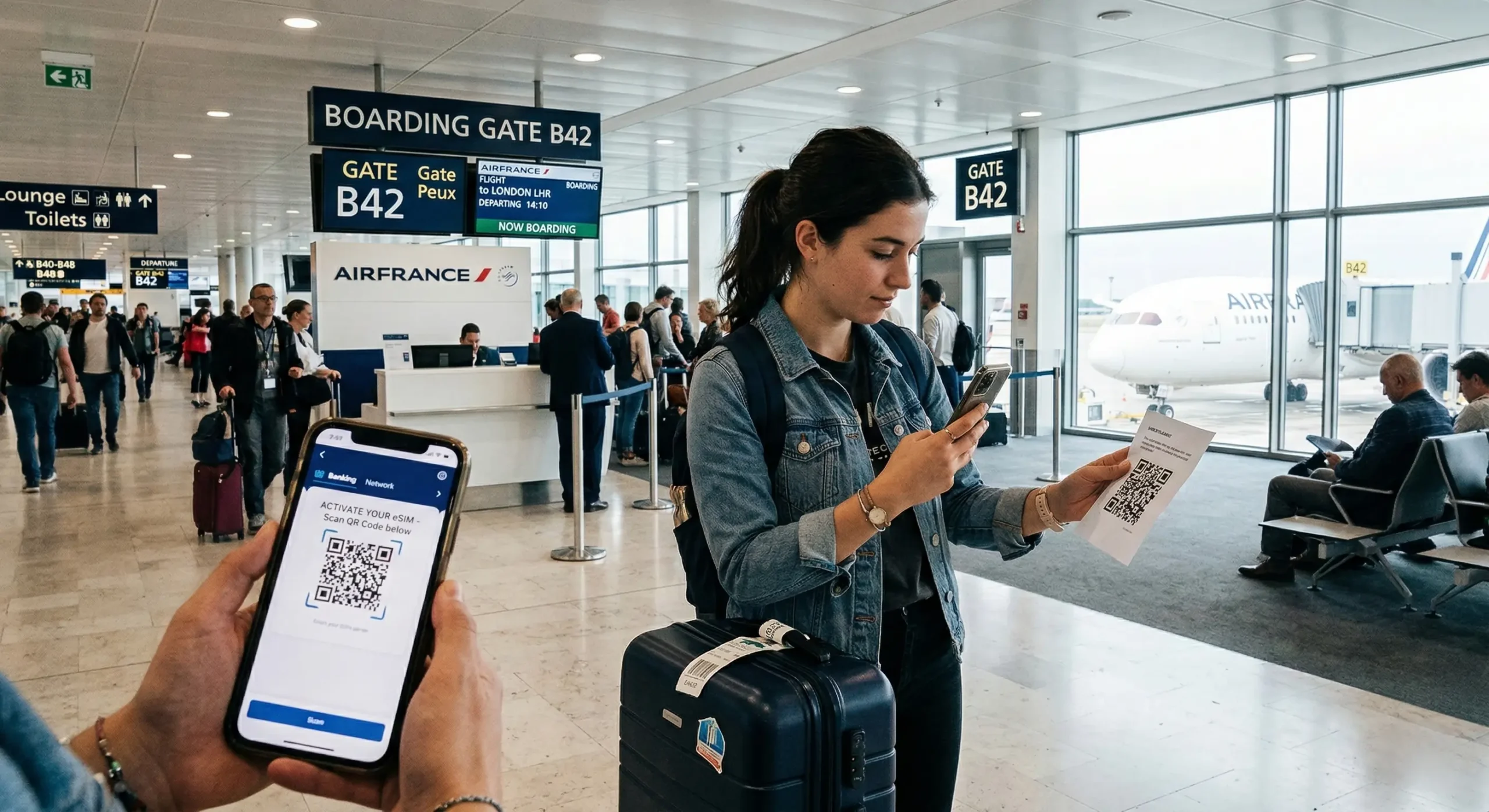
Imagine this: you’re at the airport, coffee in one hand, boarding pass in the other. You finally sit down to activate your new travel eSIM. You open your camera, aim at the eSIM QR–Code, and… nothing happens. The clock is ticking, your flight is boarding soon, and panic sets in.
Don’t worry—you’re not the first traveler this has happened to, and you definitely won’t be the last. The eSIM QR–Code is designed to make connectivity effortless, but sometimes the scan doesn’t go as planned. The good news? Almost every issue has a quick fix.
Let’s break down why your eSIM QR Code might not be scanning, how to troubleshoot it step by step, and what to do if you’re stuck with an expired code.
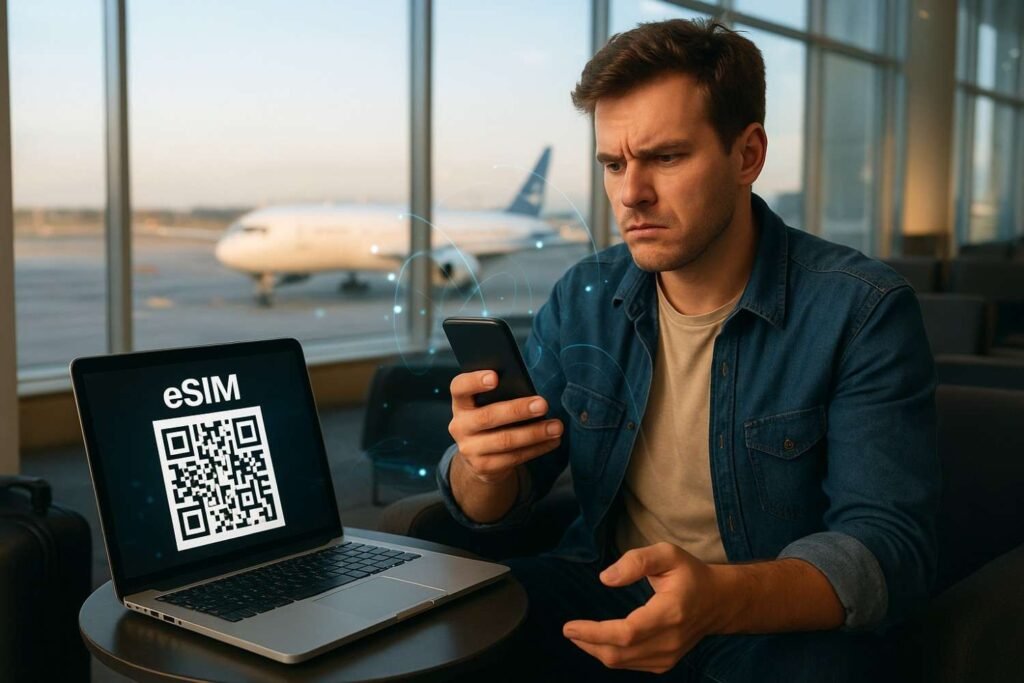
Why an eSIM QR Code Might Refuse to Work
The magic of eSIM lies in its simplicity—scan a code and you’re online. But when the process breaks down, it’s usually due to one of these reasons:
- Blurry Images – A screenshot or low-quality printout can confuse your camera.
- Expired QR Code – Many eSIM QR codes are time-sensitive for security.
- Lighting Problems – Glare, shadows, or dim light may block scanning.
- Camera Glitches – A smudge on your lens or shaky focus can ruin the process.
- Phone Compatibility Issues – Some devices or OS versions can’t read certain codes.
Step-by-Step Fixes for eSIM QR Code Issues
1. Clean and Adjust Your Camera
A surprisingly common reason behind scanning failures is a smudged camera lens. Gently wipe your phone’s camera and ensure you’re in good lighting. Hold your device steady and make sure the QR code fits entirely in the scanning frame.
2. Check the Quality of the QR Code
If you’re scanning from a printed copy, ensure the print isn’t too small or blurred. If it’s on a screen, increase brightness and avoid reflections. For best results, zoom in on the eSIM QR Code until it appears sharp.
3. Confirm the Validity of the QR Code
Did you know many eSIM QR codes expire after a few days or weeks? If you’ve been holding on to one for too long, it might no longer work. Contact your provider and request a new QR code if needed.
4. Restart Your Device
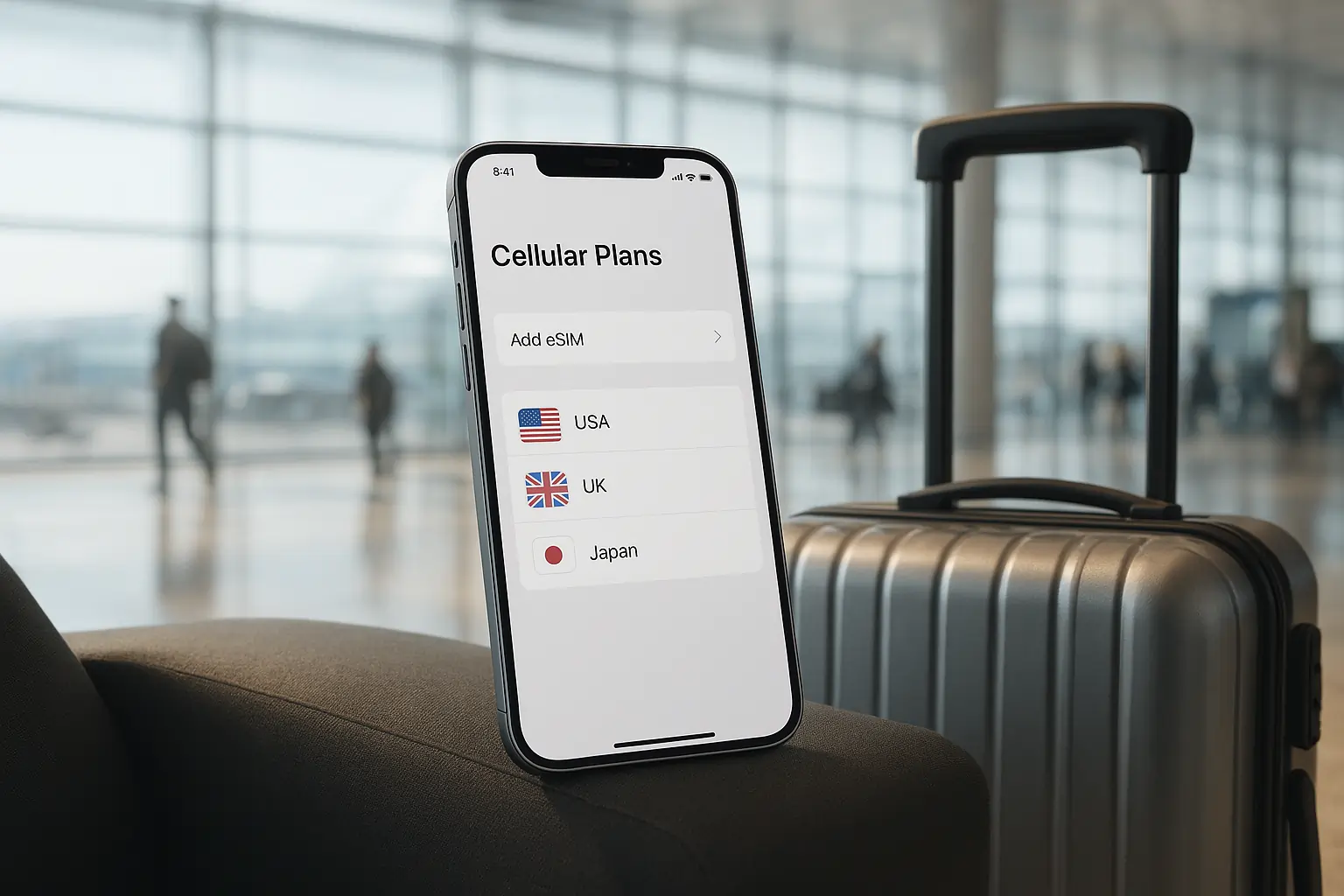
It might sound simple, but a quick restart often fixes temporary glitches that interfere with scanning. Restart your phone, head to Settings > Mobile Data > Add eSIM, and try again.
5. Try Alternative Activation Methods
If your eSIM QR Code still doesn’t scan, don’t panic. Most providers also allow activation through:
- Manual Activation Code – A numeric code you can enter directly in settings.
- Download via App – Many eSIM providers have dedicated apps for seamless setup.
- Activation Link – Some carriers send a direct link you can open to install the eSIM profile.
This ensures you’re never fully dependent on just one method.
6. Ensure Device Compatibility
Not all smartphones support eSIM. Double-check whether your device is compatible with eSIM before attempting to scan the QR code. iPhones from XS onwards and many flagship Android models support eSIM.
7. Update Your Software
An outdated OS may cause scanning or installation errors. Keep your device updated to the latest iOS or Android version to ensure eSIM QR Code works smoothly.
Alternative Ways to Activate eSIM Without QR Code
Sometimes, scanning just won’t work. Luckily, eSIM activation isn’t limited to QR codes. Here are some alternatives:
- Carrier Apps – Many providers let you download and activate eSIM profiles directly through their apps.
- Activation Codes – Input the unique activation code manually.
- Direct Download Links – Some carriers provide direct installation links via email.
These methods are reliable backups if your eSIM QR Code fails.
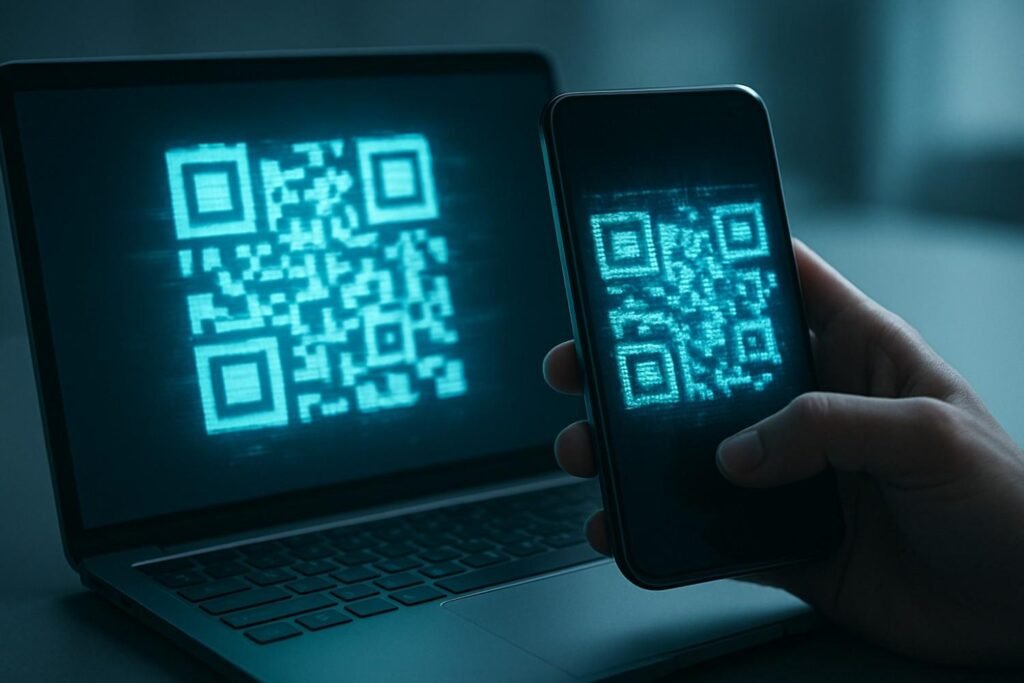
Preventing eSIM QR Code Issues in the Future
To avoid running into these problems next time:
- Always save a backup of your eSIM QR Code in high resolution.
- Keep both digital and printed copies in case one doesn’t work.
- Double-check your device’s compatibility before purchase.
- Activate your eSIM while connected to stable WiFi.
With these precautions, you’ll minimize the chance of scanning problems during your trip.
Planning to Travel? Get the Best eSIM Deals
If you’re preparing for an international trip, don’t wait until the last moment to activate your eSIM. At Travel eSIM Deals, you can compare multiple providers in one place and find the best eSIM for your trip at the best prices. Whether you’re heading to Europe, Asia, or the Americas, you’ll have reliable connectivity without paying hefty roaming fees.
By choosing the right eSIM in advance, you’ll avoid last-minute activation stress and enjoy smooth, affordable internet throughout your journey.
Final Thoughts
An eSIM QR Code not scanning can be frustrating, especially if you’re traveling and need instant connectivity. But most issues have simple solutions—whether it’s cleaning your camera lens, adjusting brightness, requesting a fresh QR code, or trying manual activation.
Remember, eSIMs are designed to make travel easier, not harder. With a little troubleshooting and preparation, you’ll be back online in minutes. And to save both money and time, always explore Travel eSIM Deals to find your perfect eSIM plan before your next adventure.
Stay connected, stay stress-free, and let your journey be about exploration—not connectivity hassles.
FAQs
1. Why won’t my eSIM QR Code scan?
Usually because it’s blurry, expired, or your phone can’t focus. Try adjusting brightness, resizing, or using another device.
2. Can I use an expired eSIM QR Code?
No, expired codes can’t be reused. You’ll need a fresh one from your provider.
3. How can I activate eSIM without scanning a QR Code?
Manually enter the SM-DP+ and activation code, or use your provider’s mobile app.
4. Should I activate my eSIM before traveling?
Yes—install it at home over strong Wi-Fi to avoid last-minute stress.
5. Is one eSIM QR Code usable on multiple devices?
No. Most are one-time use for a single device.







Leave a Reply