
With the rise of digital travel solutions, the eSIM has become an essential feature for iPhone users on the move. Whether you’re a digital nomad, frequent flyer, or simply planning your next vacation abroad, understanding iPhone eSIM compatibility can save you time, hassle, and roaming charges.
This blog walks you through everything you need to know about eSIMs on iPhones in 2025, from device compatibility to setup tips and travel benefits.
What Is an eSIM? A Quick Refresher
An eSIM (embedded SIM) is a digital version of a traditional SIM card, built into your smartphone’s hardware. Instead of swapping physical SIMs for different networks, eSIMs allow you to switch carriers and plans directly from your iPhone settings.
Unlike physical SIM cards, an eSIM doesn’t require a physical slot. This makes it especially useful for dual SIM iPhones or travelers who want to keep their home number while using local or international data plans.
iPhone eSIM Compatibility List (Updated for 2025)
Apple has gradually expanded eSIM support across its iPhone lineup. Here’s a full list of iPhone eSIM compatible models as of 2025:
eSIM-Compatible iPhones:
- iPhone XR, XS, XS Max
- iPhone 11, 11 Pro, 11 Pro Max
- iPhone SE (2nd Gen and later)
- iPhone 12, 12 Mini, 12 Pro, 12 Pro Max
- iPhone 13 series (dual eSIM support begins here)
- iPhone 14 series (eSIM-only in the US)
- iPhone 15 series (all variants globally support dual eSIM)
- iPhone 16 (latest release, full iOS 18 eSIM integration)
Key Notes:
- From iPhone 13 onwards, most models support dual eSIM activation (two eSIMs simultaneously).
- iPhone 14 US models have no physical SIM tray—they rely completely on eSIM.
- iPhones running iOS 18 include enhanced eSIM switching and plan management features.
If your iPhone is on this list, it’s eSIM ready.
How to Activate an eSIM on iPhone
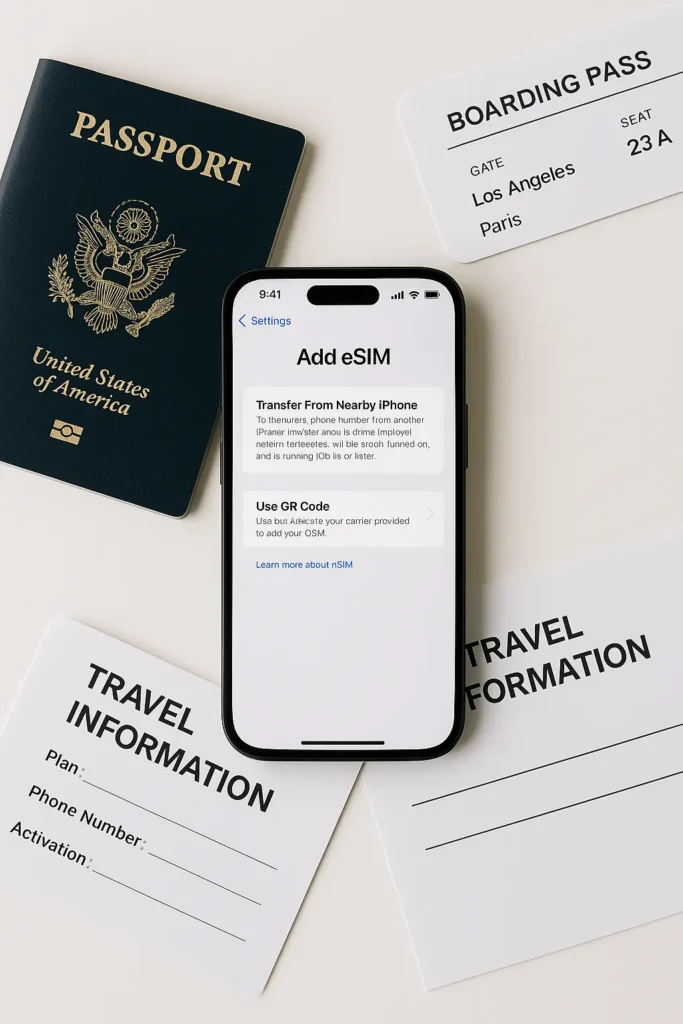
Setting up an eSIM on your iPhone is quick and seamless. Here’s how to do it:
- Open Settings
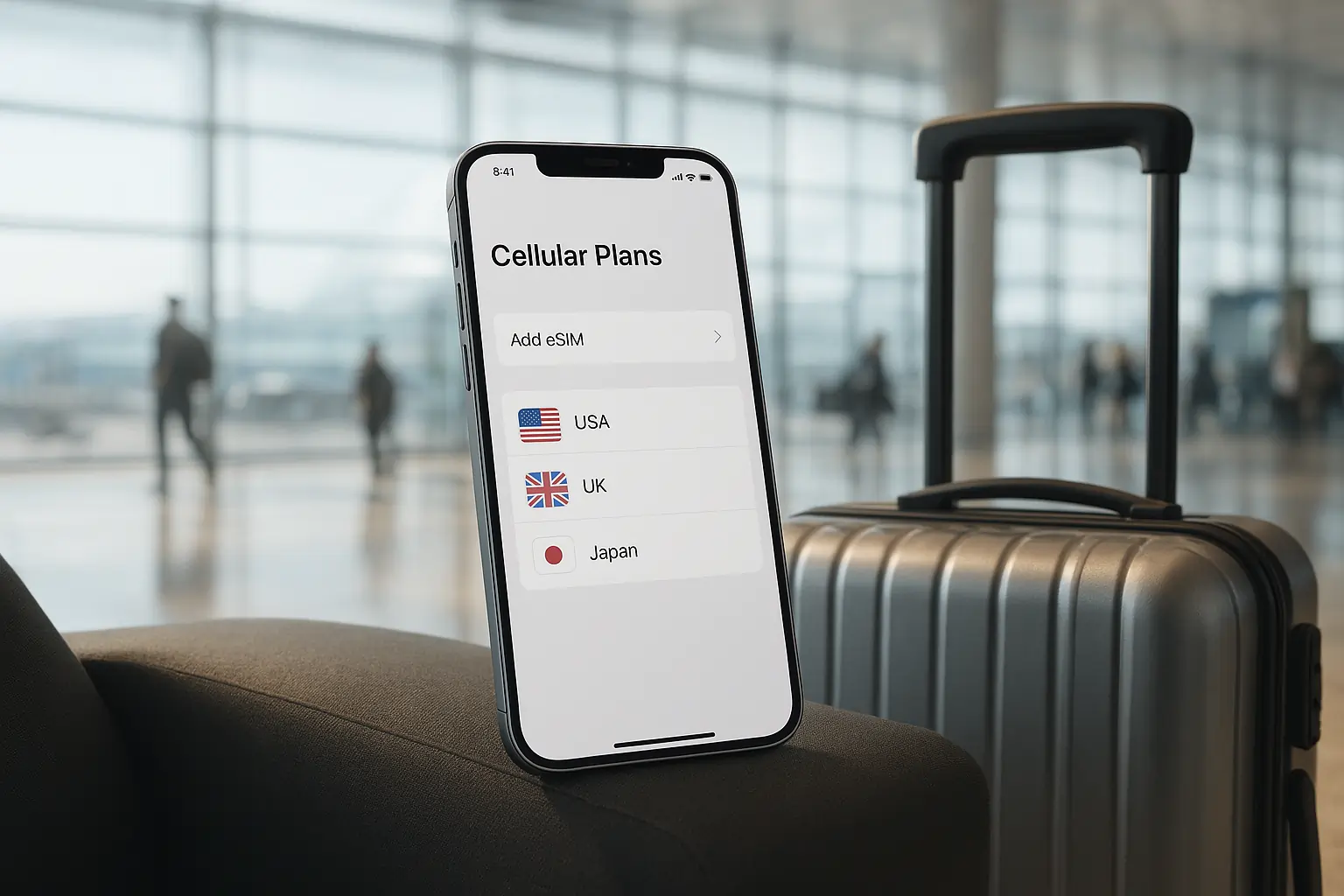
- Tap Cellular or Mobile Data
- Tap Add eSIM
- Choose one of the following:
- Scan QR code from eSIM provider
- Use a mobile app (like TraveleSIM Deals)
- Enter details manually
After activation, you can label your eSIM (e.g., “Travel SIM”), set your preferred data line, and toggle roaming.
Having trouble scanning the eSIM QR code on iPhone? Make sure you have a stable internet connection and update to the latest version of iOS.
Benefits of Using eSIM on iPhones for Travel
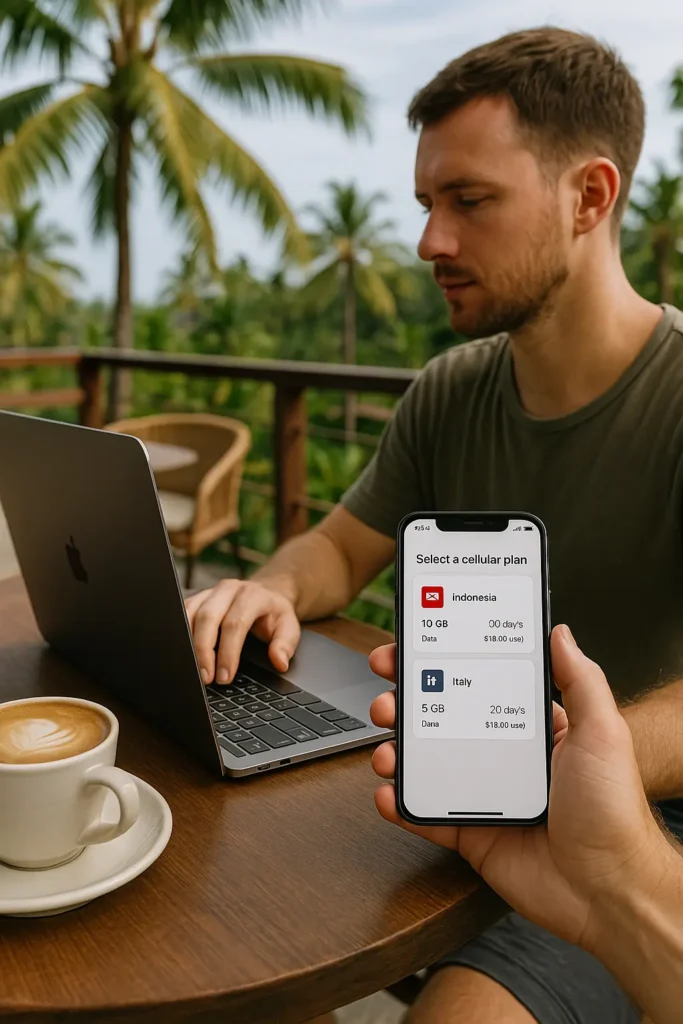
Here’s why more iPhone users are switching to eSIMs when traveling:
- No more physical SIM swaps at airport kiosks
- Access local or regional data plans instantly
- Dual SIM capability: Keep your home number active for calls/texts while using a local data plan
- Easy plan switching: Switch eSIMs without turning off your phone
- Save on international roaming fees
- Enhanced features with iOS eSIM support in iOS 17 and iOS 18
eSIM is not just convenient; it’s smart travel tech.
Best Travel eSIM Plans for iPhones
Whether you’re flying to Europe, Southeast Asia, or North America, getting the best eSIM plans for iPhones is simple through platforms like Travel eSIM Deals.
They offer:
- Country-specific eSIMs for short-term trips
- Regional plans (e.g., Europe-wide)
- Unlimited data eSIMs for heavy users
- Fast email delivery and instant activation
These plans are built specifically with iPhone eSIM compatibility in mind and work with most newer iOS devices.
Troubleshooting iPhone eSIM Issues
Even though eSIM setup is simple, users may encounter some issues:
- No QR code? Contact your provider for a manual code entry or use their app
- No signal after setup? Restart the phone or ensure roaming is enabled
- iPhone not detecting eSIM? Make sure your device is unlocked and compatible
Running iOS 18? Some issues may be fixed with the latest updates, as Apple continues to improve iOS eSIM support.
Final Thoughts: Is Your iPhone Ready for Travel?
If you’re using an iPhone from the XR series or newer, chances are your device supports eSIM. With better iPhone eSIM compatibility, flexible plans, and easier setup, there’s never been a better time to go digital.
Before your next trip, explore international eSIM plans at Travel eSIM Deals and stay connected without the stress of roaming fees or physical SIM swaps.
Frequently Asked Questions (FAQ)
Q: Can I use two eSIMs on my iPhone?
A: Yes. Starting from iPhone 13, most models support dual eSIM activation, allowing two eSIMs to be active simultaneously.
Q: Is eSIM better than a physical SIM for travel?
A: For most travelers, yes. eSIM offers flexibility, no shipping wait, and instant access to local networks.
Q: Does iOS 18 bring new eSIM features?
A: Yes, iOS 18 improves eSIM switching, data plan management, and dual eSIM usability.
Q: Can I switch eSIMs when I land in another country?
A: Absolutely. You can store multiple eSIM profiles and switch between them through your iPhone’s settings.






Leave a Reply